November 3, 2026
Updated November 25, 2026
23 min read
Black Friday: 30% off Pro annual with code BF2026 · ends November 30
Get the deal →The best AI tools for HR in 2026, with prices checked on vendor sites: ChatGPT Business, Rippling, BambooHR, Gusto, Lattice, Culture Amp, and more.
TL;DR
ChatGPT Business is the best all-round AI tool for HR teams in 2026, drafting policies, handbooks, and employee announcements on business data terms. Rippling is the pick for an all-in-one HR platform whose AI answers from live people data, and BambooHR is the pick for growing teams that want an AI assistant for everyday employee questions. The rest of the list covers payroll (Gusto), performance reviews (Lattice), engagement surveys (Culture Amp), HR helpdesk tickets (Leena AI), fair feedback (Textio), Microsoft 365 (Copilot), and better prompts (SurePrompts), with prices checked in November 2026.
The best AI tools for HR in 2026 are ChatGPT Business for drafting policies, handbooks, and employee communications, Rippling for an all-in-one HR platform whose AI answers questions from live people data, and BambooHR for growing teams that want an AI assistant for everyday employee questions. The other seven picks cover payroll, performance reviews, engagement surveys, HR helpdesk tickets, fair feedback, Microsoft 365, and better prompts. Every price below was checked on the vendor's own site.
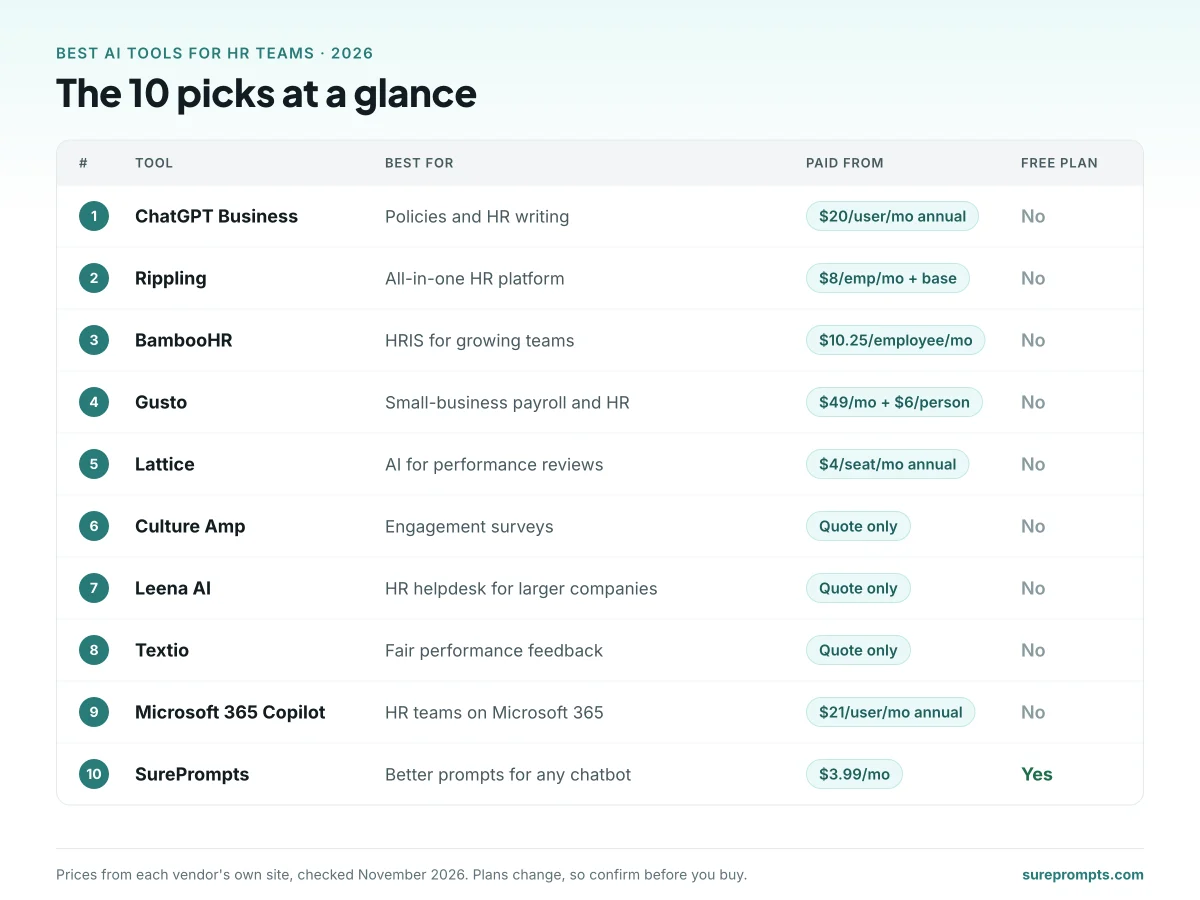
The full comparison table sits after the reviews.
Employee data needs business-grade terms. HR handles salaries, medical notes, performance ratings, and immigration paperwork, so we favored vendors that say in writing they do not train on your business data by default.
AI inside your system of record. The most useful HR AI answers from data you already keep, with the same permissions.
People ops, after the offer. This list covers AI tools for human resources work: onboarding, payroll questions, reviews, engagement, policies, and HR writing. Hiring tools have their own guide to the best AI tools for recruiters.
Priced for 10 to 1,000 employees. We list published prices and flag quote-only tools built for large enterprises.
A human signs off. We favored tools that ask for approval before acting on people data.
We compared the plans, features, and limits of each tool on the vendor's own site in November 2026 and picked each one for fit; no tool paid to be listed.
47%
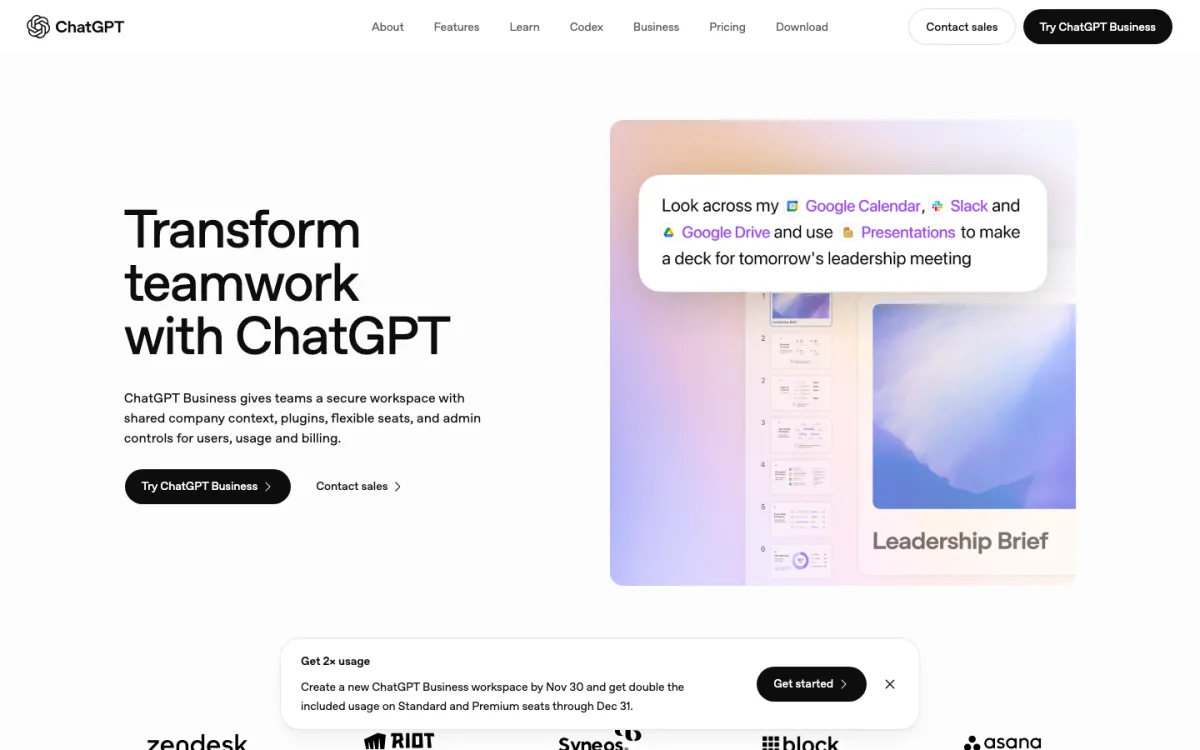
ChatGPT Business is the best all-round AI assistant for HR teams that write all day: policies, handbook sections, role-change letters, and announcements. It is the team version of ChatGPT, with an admin console and OpenAI's statement of "no training on your business data by default."
Among the best AI tools for HR, it is the most flexible writer. When you use AI for HR policies, a Project can hold your handbook and tone guide, so each draft starts from your real documents, and our AI prompts for HR give you starting points. If you prefer Claude, Claude Team Standard costs $25 per seat a month, or $20 (billed annually), with "no model training on your content by default," and our ChatGPT vs Claude comparison covers the differences.
Best for: HR teams that draft policies, handbooks, and employee communications every week.
Pricing: A Standard seat is $25 per user a month, or $20 per user a month (billed annually), for small teams; Premium seats cost $125, or $100 (billed annually). See ChatGPT Business pricing.
Strengths: It handles almost any HR writing task, from a PIP template to a benefits FAQ, and connectors reach Google Workspace, Microsoft 365, and Slack.
Watch out for: It can state an outdated employment rule with confidence, so give it sources and have counsel review any policy that touches leave, pay, or termination.
Try this: Create a Project, upload your handbook, and paste:
You are an HR generalist at a [SIZE]-person [INDUSTRY] company
with staff in [STATES]. Using the attached handbook for tone and
structure, draft a [POLICY NAME] policy: purpose, who it covers,
the rules, how to request it, and who approves. Stay under [WORD
COUNT] words, then list every legal point I must confirm with
counsel. Do not guess at the law.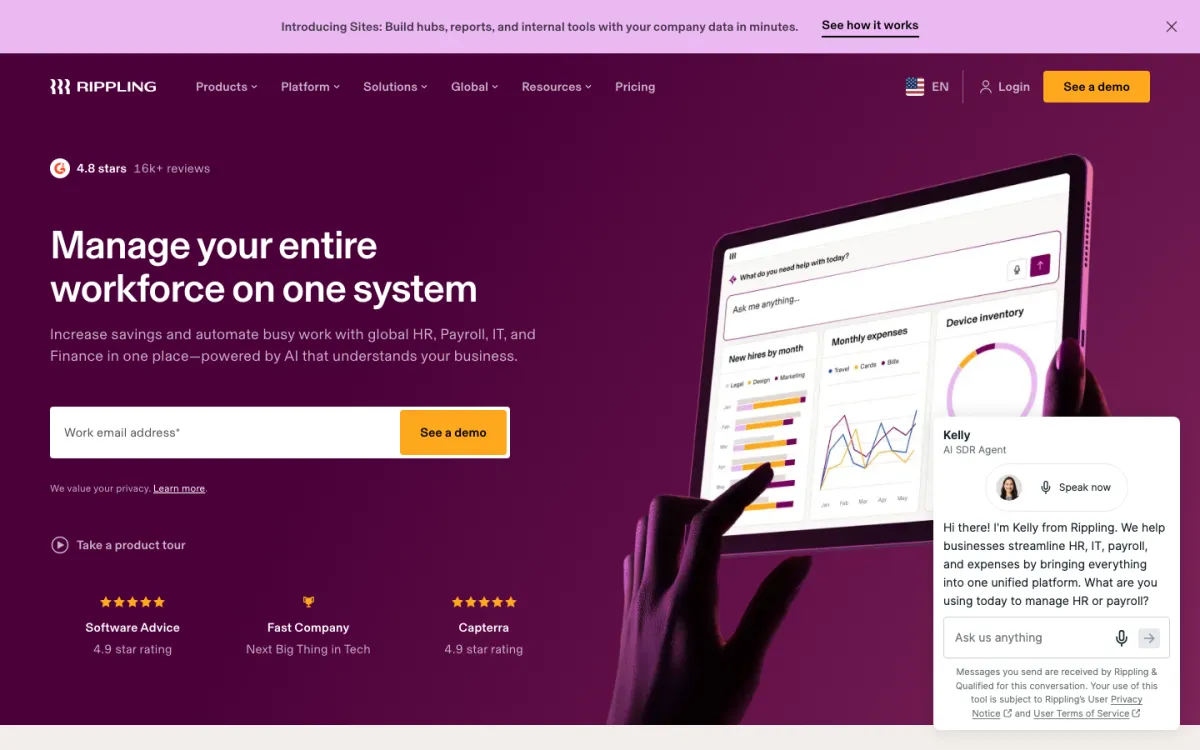
Rippling is the best pick for HR teams that want HR, payroll, benefits, and IT in one system, with AI that answers from all of it. Rippling AI, launched in March 2026, answers questions from live company data and writes a query (in SQL or formulas) behind each answer, so you can audit the number.
Rippling says employees can see "personalized pay, benefits, and policy explanations" without messaging HR, and leaders can ask for headcount, hiring, or compensation reports in plain English. The AI inherits each user's roles and permissions, and any change it stages goes through your normal approvals.
Best for: Growing companies that want HR, payroll, and IT in one platform.
Pricing: Rippling says plans start at $8 per employee a month, plus a monthly base fee; pricing is by quote. See Rippling pricing.
Strengths: Answers link to the underlying records, so you can check a figure before you forward it. Rippling AI also works in Slack.
Watch out for: The base fee is unpublished, so you need a quote to compare. Rippling's AI automations are still waitlist-only.
Try this: Open Rippling AI as an HR admin and paste:
Show headcount by department for [LOCATION] as of [DATE], with
hires and exits in the last [NUMBER] months. Flag any team where
exits exceed hires, then list 3 questions to raise with [LEADER].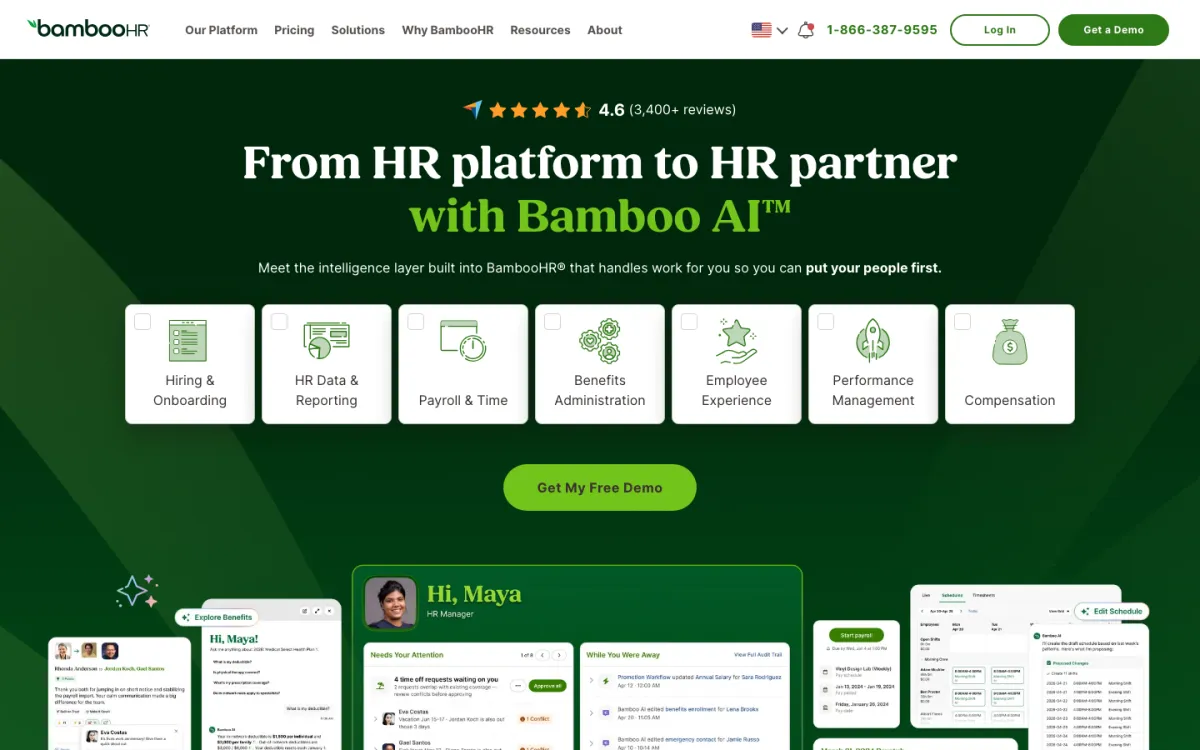
BambooHR is the best AI HR software for growing companies that want a simple HRIS with a built-in assistant. On every plan, Ask BambooHR answers everyday HR questions "from PTO to holidays, using your company data."
Pro adds answers about "your policies, handbooks, benefits, and more," plus performance management with 360 reviews and 1:1s. Elite adds an assistant for benchmark questions and analysis. Bamboo AI agents for reports, scheduling, and payroll checks entered private beta in July 2026.
Best for: Growing companies that want an easy HRIS with AI answers for employees.
Pricing: For more than 25 employees, Core starts at $10.25 per employee a month (the plan cards round it to $10), Pro at $17.50, and Elite at $25, with automatic volume discounts. Companies with 25 or fewer employees pay a flat $250, $425, or $650 a month. See BambooHR pricing.
Strengths: The assistant answers from your own HR data, which cuts the repeat PTO questions. BambooHR says it never requires an annual contract.
Watch out for: Policy answers need Pro, and the benchmarking assistant needs Elite.
Try this: Open Ask BambooHR and test a question employees often send you:
I work in [LOCATION]. How many PTO hours do I have left, which
company holidays remain this year, and can I carry unused PTO
into [NEXT YEAR]? Answer in 3 bullets and name the source of each.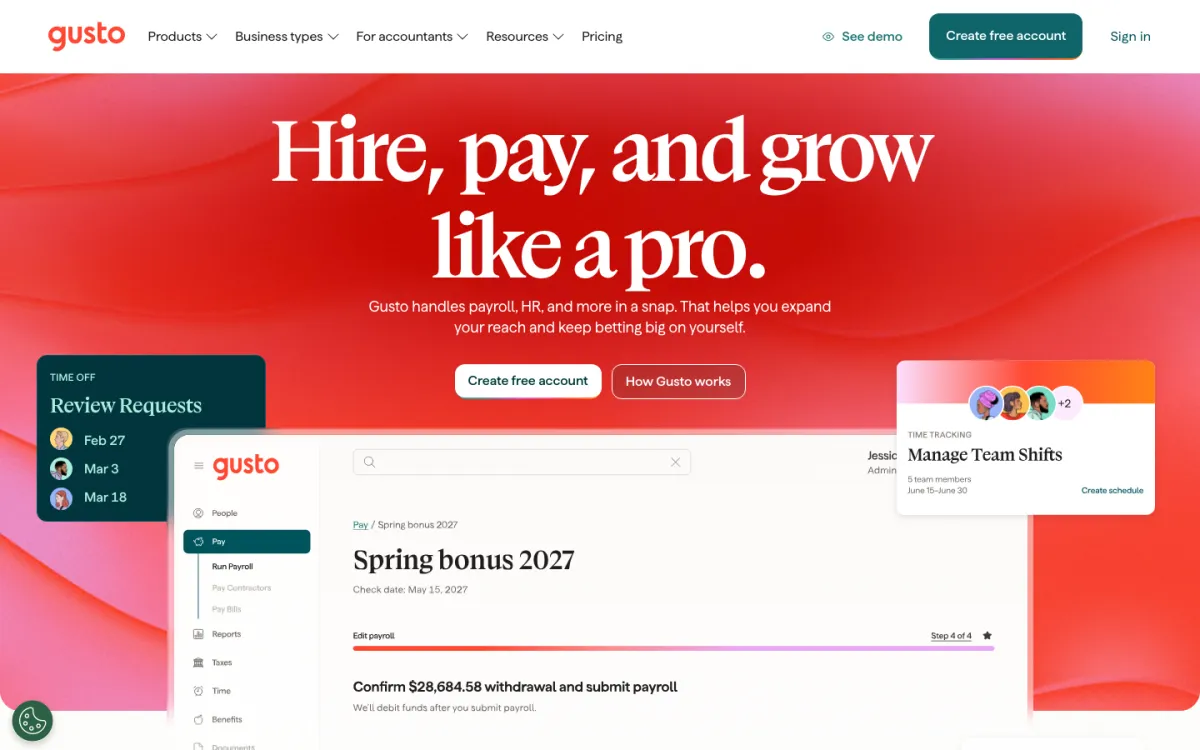
Gusto is the best pick for small businesses where one person runs HR and payroll between other jobs. Gus, Gusto's AI assistant, answers payroll, benefits, and HR questions on the web and in the mobile app, and links the help article behind each answer.
Gusto's October 2026 Fall Showcase added a handbook builder, generated documents such as performance improvement plans and termination letters, and alerts when employment laws change. For more ways to cut busywork, see our guide to AI for admin and operations.
Best for: Small businesses with one person handling payroll, benefits, and HR.
Pricing: Simple is $49 a month plus $6 per person a month, Plus is $80 plus $12 per person, and Premium is $180 plus $22 per person, with no contracts. See Gusto pricing.
Strengths: Gusto's help article lists no plan restriction for Gus, and you can connect Gusto to Claude or ChatGPT, approving every change before it is final.
Watch out for: Gus bases its answers on Gusto's Help Center and runs under beta terms, so check company-specific answers against your handbook. Gusto Cofounder, the AI teammate with pre-built onboarding and payroll automations, is still in early access.
Try this: Open Gus from the question mark icon in Gusto and paste:
I have a new [FULL-TIME / PART-TIME] employee starting in [STATE]
on [DATE]. List every step in Gusto before their first payroll:
onboarding, tax forms, state registration, and benefits. Number
the steps and link the help article for each.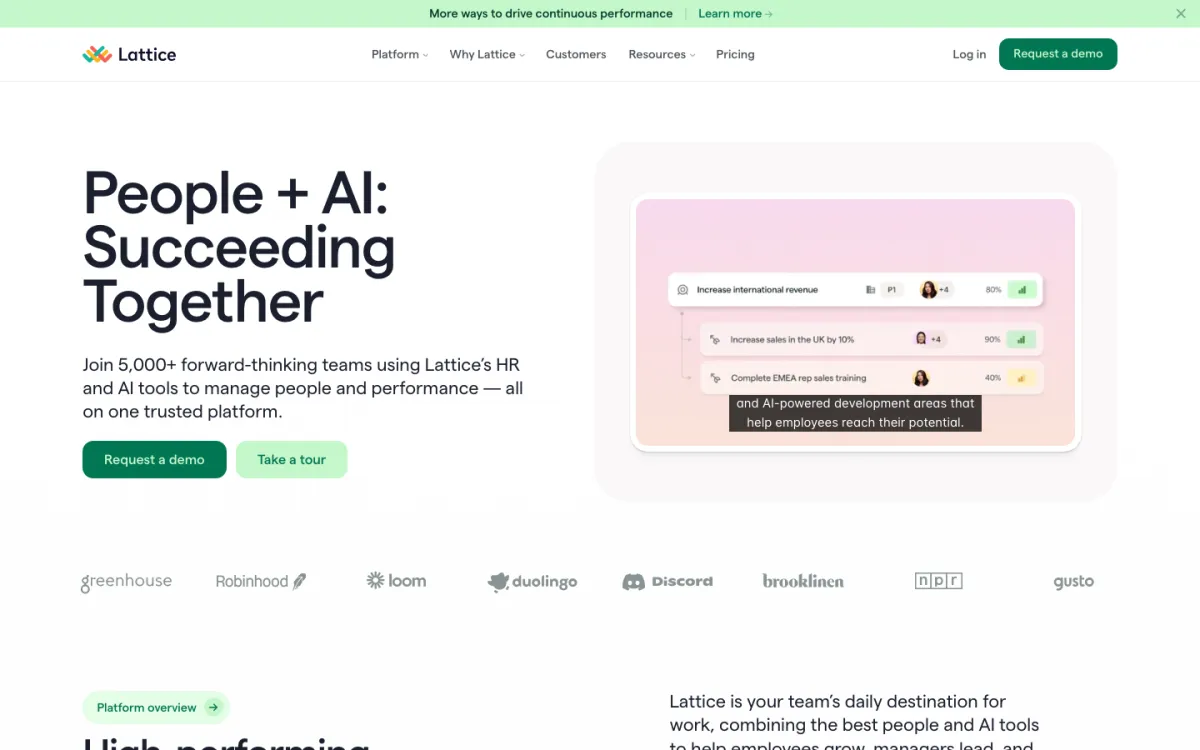
Lattice is the best pick for HR teams whose hardest season is the performance review cycle. Its AI Agent comes with every base product, and its review drafting pulls 1:1s, feedback, goals, and updates "into a complete evidence-backed draft" for the manager to edit.
That earns it a place among the best AI tools for HR teams that run formal reviews. The AI also coaches managers, takes meeting notes with action items, and summarizes engagement comments with key driver analysis. Lattice states the limit plainly: its AI "does not make performance decisions such as who should be promoted."
Best for: Companies that run formal review cycles.
Pricing: Foundations, which bundles Performance, Goals & OKRs, Analytics, and the AI Agent, is $13 per seat a month. Single products start at $4 per seat a month for Engagement and $10 for Performance. Lattice bills annually with a $4,000 minimum a year. See Lattice pricing.
Strengths: Drafts start from evidence across the whole review period. Per-seat prices are public, which helps budgeting.
Watch out for: The minimum means a 20-person company on Foundations pays $4,000 a year, more than the $3,120 its seats would cost. Check every AI draft against your own notes.
Try this: In a review cycle, open the Lattice AI Agent for one direct report and paste:
Draft my review of [EMPLOYEE NAME] for [REVIEW PERIOD] from their
1:1 notes, feedback, and goal updates. For each of [COMPETENCIES],
give 2 dated examples. Flag any point with no evidence. Keep a
direct, kind tone and end with 2 growth goals.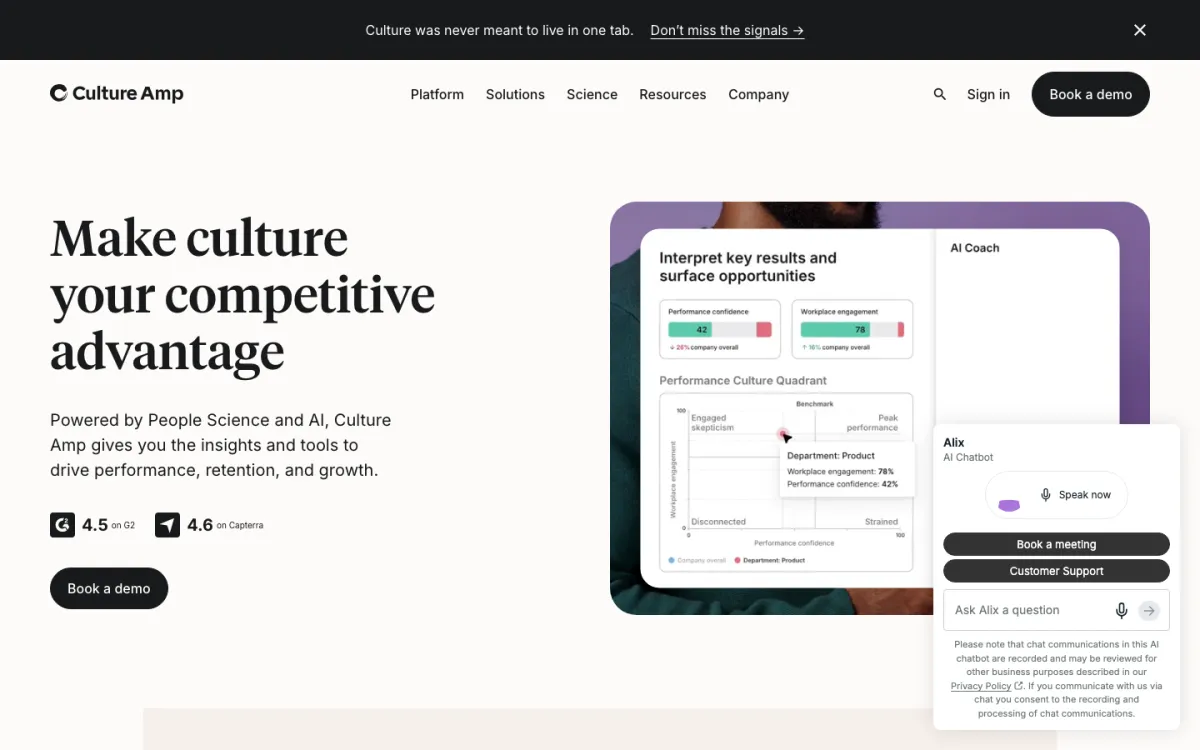
Culture Amp is the best pick for HR teams that run regular engagement surveys and need help turning comments into action. Comment Summaries condense survey comments, Sentiment Analysis sorts feedback into topics and trends, and Comment Comparison shows how teams differ.
AI Coach then works with each manager, surfacing focus areas, suggesting next steps, and offering role play for hard conversations. A 2026 Perform update extended it to self-reflections, peer feedback, and development plans. Culture Amp has also announced Enso, an agentic AI people partner for Slack, Claude, and ChatGPT, due in North America in early 2027.
Best for: Mid-size companies that survey employees several times a year.
Pricing: Pricing is by quote, based on employee count, product, and service tier. Culture Amp's AI FAQ says "Culture Amp AI is free for all users." See Culture Amp pricing.
Strengths: Culture Amp says your data "is not used to train third-party models," and admins can turn AI features on or off.
Watch out for: No prices or free trial are published, and Enso is not out yet.
Try this: After a survey closes, open AI Coach as a manager and paste:
My team's lowest engagement driver is [DRIVER] at [SCORE]. Help
me plan a 30-minute team conversation: 3 open questions, what to
do if people go quiet, and 2 small actions for the next [NUMBER]
weeks. Then role-play a skeptical team member so I can practice.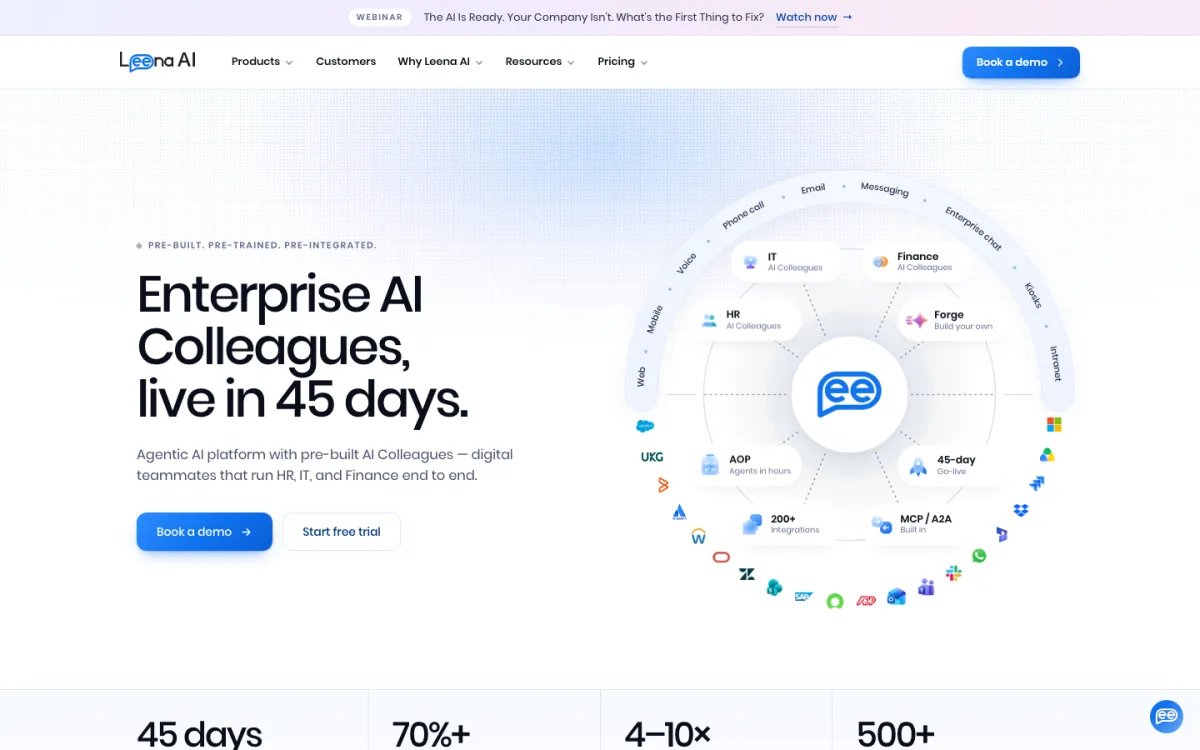
Leena AI is the best AI HR assistant for larger companies that field a steady stream of routine HR tickets. Its Universal HR Assistant is built to resolve "Tier-1 HR requests," the repeat questions that fill an HR inbox.
Onboarding Ops covers the stretch from "offer accepted to day 30," and Offboarding Ops closes each exit across HR, IT, and finance. This is where AI for employee onboarding pays off; our prompt patterns for onboarding docs help you write its source material. Knowledge Studio keeps each source's permissions and flags conflicting or stale answers.
Best for: Companies with several hundred employees or more and a busy HR inbox.
Pricing: Pricing is by quote: the Universal Assistant is a flat license per employee per year, and the AI Colleagues platform is a platform fee plus usage. See Leena AI pricing.
Strengths: It connects to more than 200 systems, including Workday, ServiceNow, and SAP. Leena says customers go live in 45 days on average.
Watch out for: The customers Leena shows are mostly large enterprises, so a 50-person company will likely find it more than it needs.
Try this: Leena says process owners write each AI Colleague's procedure in plain English. Start with your most common request:
When an employee asks about [LEAVE TYPE]: confirm their location
and employment type, explain the rules from [POLICY DOCUMENT],
and link the request form. If it involves a medical condition, a
dispute, or a manager complaint, route it to [HR CONTACT] today.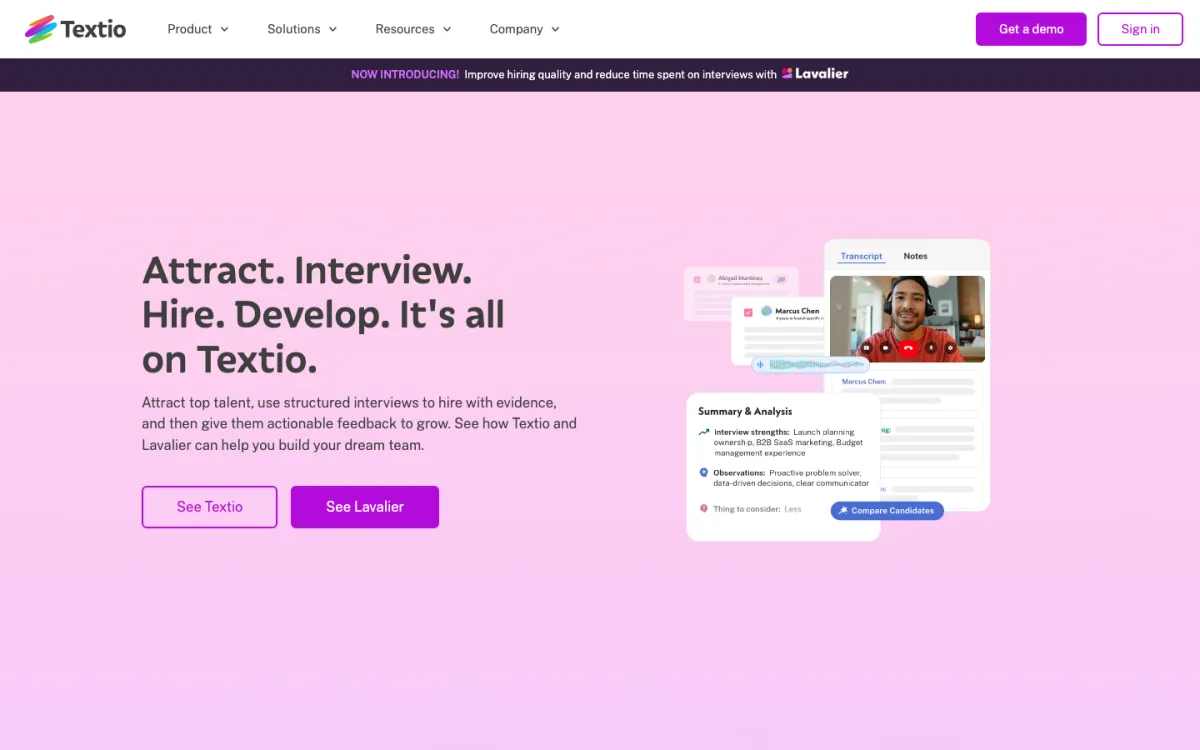
Textio is the best pick for HR teams that want every manager to write fairer, more useful performance feedback. A manager drops in rough notes, and Textio turns them into growth-oriented feedback while highlighting language that does not belong in a review.
Risk detection flags comments about "a person's physical appearance, parental status, and more," and a tone adjuster helps feedback land. It covers reviews, self assessments, and peer feedback, and extensions bring it into your performance tool or HRIS.
Best for: HR teams that want consistent, bias-aware feedback from every manager.
Pricing: Pricing is by quote: Textio offers a free trial account, or it designs a package for your company. See Textio Feedback.
Strengths: Textio says more than 100,000 managers use it. Its Velera case study reports a 50% drop in time spent writing feedback.
Watch out for: Textio coaches the writing and does not run your review cycle, so you still need a performance tool.
Try this: Textio works inside the feedback you write, so use this workflow on your next review:
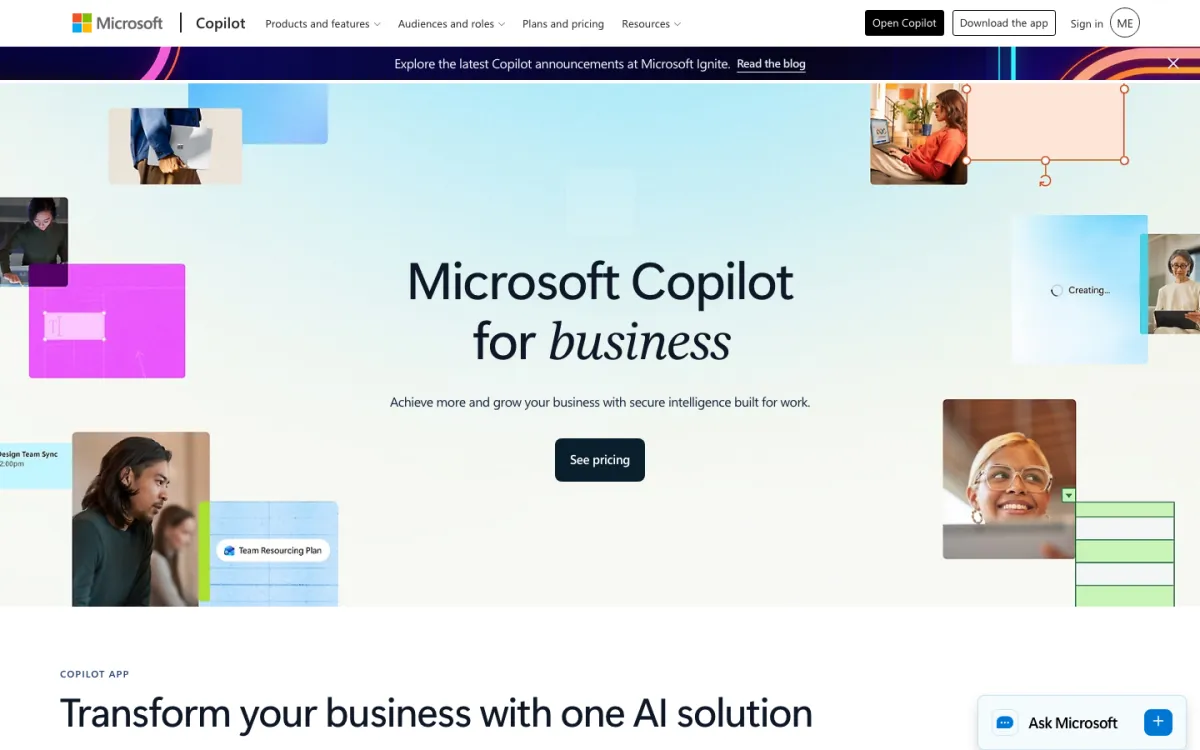
Microsoft 365 Copilot is the best choice for HR teams whose policies, email, and meetings live in Word, Outlook, and Teams. It drafts and edits documents in Word, summarizes long threads in Outlook, and recaps Teams meetings with action items.
That makes it one of the best AI tools for HR teams already on Microsoft 365. Larger companies can add Microsoft's Employee Self-Service agent, whose HR starter gives "policy-based answers" and escalates sensitive requests to HR specialists, with accelerators for Workday, ServiceNow, and SAP SuccessFactors. For everyday replies, see our guide on how to write better emails with AI.
Best for: HR teams at companies that already run on Microsoft 365.
Pricing: The Copilot Business add-on is $21 per user a month (billed annually), or $25.20 billed monthly, on top of a Microsoft 365 plan (a first-year $18 offer on yearly plans runs until December 31, 2026). See Microsoft 365 Copilot business pricing.
Strengths: Microsoft says prompts and responses "are not used to train the underlying large language models," and Copilot Chat comes at no additional cost with eligible Microsoft 365 plans.
Watch out for: The Employee Self-Service agent is built in Copilot Studio and needs configuration, so it suits teams with IT support.
Try this: Open a new Word document, open Copilot, and paste:
Turn these notes into a first draft of our [POLICY NAME] policy
for a [SIZE]-person company in [STATE]: [PASTE NOTES]. Use headings
for purpose, scope, rules, process, and contacts. Mark with [CHECK]
every sentence that states a legal requirement.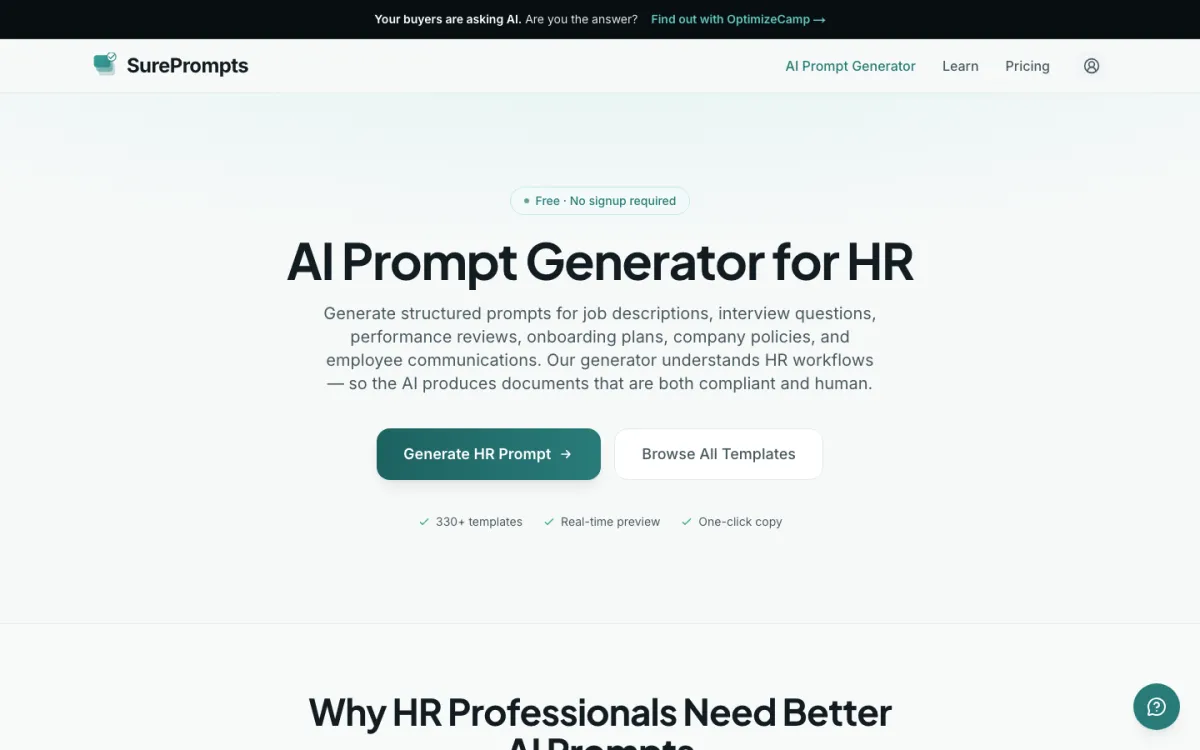
SurePrompts is the best pick for HR teams that use ChatGPT, Claude, Copilot, or Gemini and want consistent, reusable prompts. You describe the task in plain English, and it builds a structured prompt with a role, your company context, clear steps, and an output format.
It suits the jobs HR repeats every month: policy drafts, onboarding checklists, review reminders, and announcements.
Best for: HR teams that use more than one chatbot.
Pricing: A free account with Google sign-in includes 3 AI prompt generations a month and the free templates. Pro is $3.99 a month or $29.99 a year, with 200 AI generations a month, 320+ expert templates, and cloud-saved prompts. See the SurePrompts AI prompt generator.
Strengths: It works with any chatbot on this list, and the template library covers common HR tasks.
Watch out for: SurePrompts builds prompts; it does not run them, so you still need a chatbot such as ChatGPT Business or Copilot.
Try this: Open the generator and type a description like this one:
I'm the HR manager at a [SIZE]-person [INDUSTRY] company. I need
a prompt that turns my notes on a policy change into an employee
announcement: what changes, when, why, and what to do next. Plain
language, under 200 words, warm but direct.Here are the best AI tools for HR side by side, with prices as of November 2026.
| Tool | Best for | Free plan | Paid plans from | Standout feature |
|---|---|---|---|---|
| ChatGPT Business | Policies and HR writing | No | $20 per user a month (billed annually) | Projects and connectors |
| Rippling | All-in-one HR platform | No | $8 per employee a month plus a base fee | Rippling AI on live data |
| BambooHR | HRIS for growing teams | No | $10.25 per employee a month ($250 flat up to 25 employees) | Ask BambooHR |
| Gusto | Small-business payroll and HR | No | $49 a month plus $6 per person | Gus AI assistant |
| Lattice | Performance reviews | No | $4 per seat a month (billed annually, $4,000 minimum) | Evidence-backed review drafts |
| Culture Amp | Engagement surveys | No | Pricing by quote | Comment Summaries and AI Coach |
| Leena AI | HR helpdesk | No (free trial) | Pricing by quote | Universal HR Assistant |
| Textio | Fair feedback | No (free trial) | Pricing by quote | Risk detection in reviews |
| Microsoft 365 Copilot | Microsoft 365 HR teams | Copilot Chat with eligible plans | $21 per user a month add-on (billed annually) | Employee Self-Service agent |
| SurePrompts | Better HR prompts | Yes (3 generations) | $3.99 a month | Structured prompts for any chatbot |
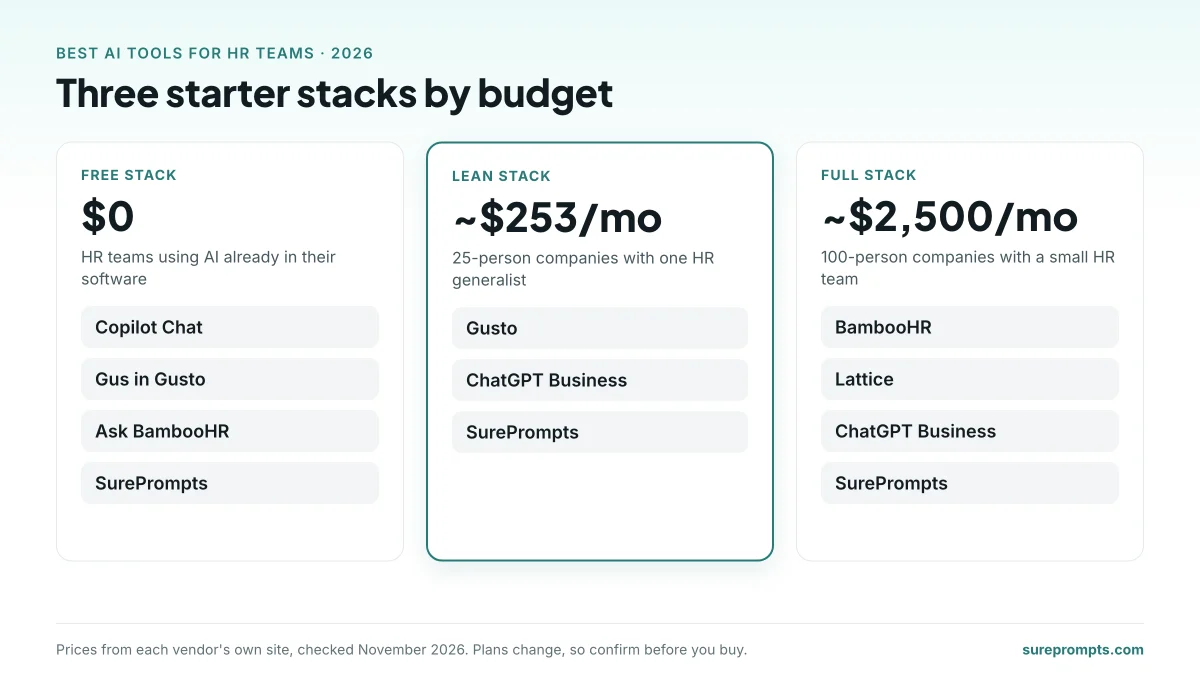
Free stack ($0 extra a month). Use the AI you already pay for: Copilot Chat with an eligible Microsoft 365 plan, Gus inside Gusto or Ask BambooHR inside BambooHR, and a free SurePrompts account. They cover drafting, employee questions, and prompts with no new contract.
Lean stack (about $253 a month). For a 25-person company with one HR generalist: Gusto Simple with Gus ($49 plus $150 for 25 people), ChatGPT Business for two seats, one for HR and one for the owner ($50 billed monthly), and SurePrompts Pro ($3.99). That covers payroll, HR questions, and policy drafting.
Full stack (about $2,500 a month). For a 100-person company at list prices: BambooHR Core ($1,025), Lattice Performance and Engagement ($1,400, billed annually), ChatGPT Business for three HR seats ($75 billed monthly), and SurePrompts Pro ($3.99). Volume discounts and annual billing bring it down.
Keep health information, compensation, performance ratings, and immigration status out of any AI tool without a data processing agreement, and check each vendor's training settings. OpenAI and Anthropic say they do not train on ChatGPT Business or Claude Team content by default; personal chatbot accounts follow different rules, so keep HR work in the business plan.
AI used in employment decisions is regulated in some places:
These rules are still changing, so check with your own employment counsel before AI touches any decision about pay, promotion, discipline, or termination. Keep a human making every employment decision, have counsel review AI-drafted policies, and tell employees when AI is used wherever the law requires it. Our guide to AI ethics prompting covers how to ask for careful, balanced output.
Warning
Never paste medical records, accommodation requests, immigration documents, Social Security numbers, or investigation notes into a personal chatbot account. If a tool has no data processing agreement with your company, assume anything you type into it can leave your control.
The best AI tools for HR sit inside the system your employees already use, and that is the first test for any AI tools for HR managers in 2026.
If you are a one-person HR team at a small business: start with Gusto and Gus, then add ChatGPT Business for policies and announcements.
If you are growing past 50 people: compare Rippling, for HR, payroll, and IT in one system, with BambooHR, for a simpler HRIS.
If review season is your biggest pain: add Lattice for AI review drafts, or Textio if you already have a performance tool.
If employee questions flood your inbox: turn on the assistant in your HRIS first; companies with thousands of employees should evaluate Leena AI or Microsoft's Employee Self-Service agent.
If you need tools beyond people ops: our list of the best AI tools for small business covers bookkeeping and marketing, and our guide to the 22 best AI tools in 2026 covers everything else.
Tip
Pick one recurring job, such as PTO questions or review summaries, and pilot one tool on it for a full month. Count the tickets or hours before and after, and expand only when the numbers hold up.
AI for HR professionals works best when you brief it like a new HR coordinator: who to act as, your company context, the task, the format you want, and an example you liked. "Write a remote work policy" gets a generic page; "You are the HR manager at a 120-person software company in Texas; draft a remote work policy under 600 words and list anything counsel must confirm" gets a usable draft. Giving the AI a job title is called role prompting.
Our AI prompt generator for HR turns a plain-English request into that kind of structured prompt, and our prompts for HR professionals give you ready-made starting points.
Start with the job that eats the most of your week, and let a month of results decide what comes next.
Try it yourself
Build expert-level prompts from plain English with SurePrompts — 330+ templates with real-time preview.
Open Prompt BuilderSkip the trial and error. Our curated prompt collection is designed specifically for recruiters — ready to use in seconds.
See Recruiters PromptsDraft professional offer letters with compensation details, benefits, and start date information
Create clear, fair PIPs with specific goals, timelines, support resources, and measurable outcomes
Write balanced, constructive performance reviews
Create a clean, professional resume for any role
Copy-ready AI prompts for HR generalists. Performance reviews, employee engagement, policy and compliance, comp and benefits, L&D, and onboarding — tested and ready to paste.
Copy-paste prompt templates for creating onboarding guides, role-specific training plans, process documentation, team introductions, and 30-60-90 day plans.
Navigate the ethical landscape of AI prompting. Learn to identify bias, ensure fairness, and build responsible AI workflows that respect privacy and promote equity.